
If you're seeing payments marked as "failed" in your Stripe dashboard, it means the customer's card was declined by their issuing bank or blocked by Stripe's fraud detection system. The charge was attempted but not completed.
The Two Categories of Payment Failures
Stripe categorizes payment failures into two distinct types, each requiring different recovery approaches:
This isn't unusual—failed payments happen to every subscription business. What matters is understanding why each payment failed and having a
strategy to recover it.
Most Common
Declines
These happen when Stripe sends the charge request to the card
network, and the customer's issuing bank says no. The bank returns a
specific decline code that tells you (in broad terms) what went wrong.
Insufficient funds, expired cards, and "do not honor" responses are the
most frequent decline codes.
Fraud Prevention
Blocked Payments
Transactions that Stripe's own fraud detection system, Radar, prevents
from going through. Radar uses machine learning to identify potentially
fraudulent charges and blocks them before they reach the card network.
If you're seeing legitimate payments being blocked, you may need to
adjust your Radar rules.
Understanding Common Decline Codes
When a payment shows as failed, Stripe provides a decline code. Here's what the most common ones mean for your business:
Insufficient Funds
The customer's account doesn't have enough balance to cover the charge right now. This is often a timing issue. The customer may have funds available in a few days after their paycheck deposits.
Recovery Strategy: This code responds well to intelligent retry timing—retrying at the right moment rather than on a fixed schedule can dramatically improve success rates.
Expired Card
The card on file has passed its expiration date. The customer almost certainly didn't intend to churn—they just forgot to update their card.
Recovery Strategy: Card account updater services can sometimes refresh these automatically, but when they don't, you need a frictionless way for the customer to enter a new card.
Do Not Honor
A catch-all from the issuing bank. The bank rejected the charge but isn't telling you exactly why. This could be a temporary hold, an address mismatch, or the bank's own fraud detection.
Recovery Strategy: These are among the trickiest to handle and benefit most from AI-based analysis that can infer the likely cause from patterns.
Generic Decline
Similar to "do not honor" but even less specific. No additional detail from the bank.
Recovery Strategy: Recovery here requires sophisticated retry logic and, often, direct customer outreach.
Card Not Supported / Processing Error
Less common but still impactful. Some are transient (processing errors often resolve on retry) while others require the customer to use a different card.
Recovery Strategy: These are among the trickiest to handle and benefit most from AI-based analysis that can infer the likely cause from patterns.
What to Do When You See Failed Payments
Stripe provides two automatic retry approaches, configurable under Settings → Subscriptions and Emails → Manage Failed Payments:
1
Don't panic—but don't ignore it either
A certain rate of payment failure is normal. But if your failure rate is climbing, or if you're not actively recovering those failures, you're bleeding revenue.
2
Understand the composition of your failures
Export your failed payments from Stripe to CSV, deduplicate the data (Stripe's export includes every retry attempt, which inflates the count), and
segment by decline code. This tells you whether your problem is primarily insufficient funds (a timing and retry problem), expired cards (a card update
problem), or bank declines (a more complex recovery challenge).
3
Check your Stripe recovery settings
Ensure Smart Retries are enabled, dunning emails are configured, and your retry schedule makes sense for your business. These are table stakes.
4
Go beyond Stripe's defaults
If you're already using Stripe's native tools and still seeing a high failure rate, it's time for a dedicated recovery solution.
How FlyCode Recovers What Stripe Can't
FlyCode is an AI-native payment recovery platform that connects to your Stripe account in hours. It reads every failed payment in real time, analyzes the decline code alongside hundreds of other data points, and orchestrates the optimal recovery strategy for each individual transaction.
Insufficient Funds Recovery
FlyCode predicts when the customer is
most likely to have funds available and
retries at that precise moment.
Coordinated Outreach
FlyCode coordinates email outreach with
retry attempts—sending from your domain,
in the customer's timezone, with
messaging that matches the specific failure
reason.
Automatic Backup Cards
For expired cards, it automatically attempts
backup payment methods the customer
has on file.
AI Pattern Analysis
For generic declines and "do not honor"
codes, its models analyze patterns across
your specific customer base to determine
the most effective recovery path.
Real Results from FlyCode Customers
16-25%
Improvement in recovery rate
5-9%
Boost in ARR
This is a fundamental shift from generic Stripe dunning emails that go out on a fixed schedule regardless of context. That's revenue you're currently
losing that can be recovered automatically.


Simply boosts failed payment recovery rate by 33%
Simply is the AI-powered creative learning platform behind Simply Piano, Simply Guitar, Simply Sing, Simply Draw, and more. FlyCode recovers the failed subscription payments that would otherwise slip through, turning them into recovered revenue automatically.
4.2%
Increase in payment recovery
8X
ROI
33%
ROI
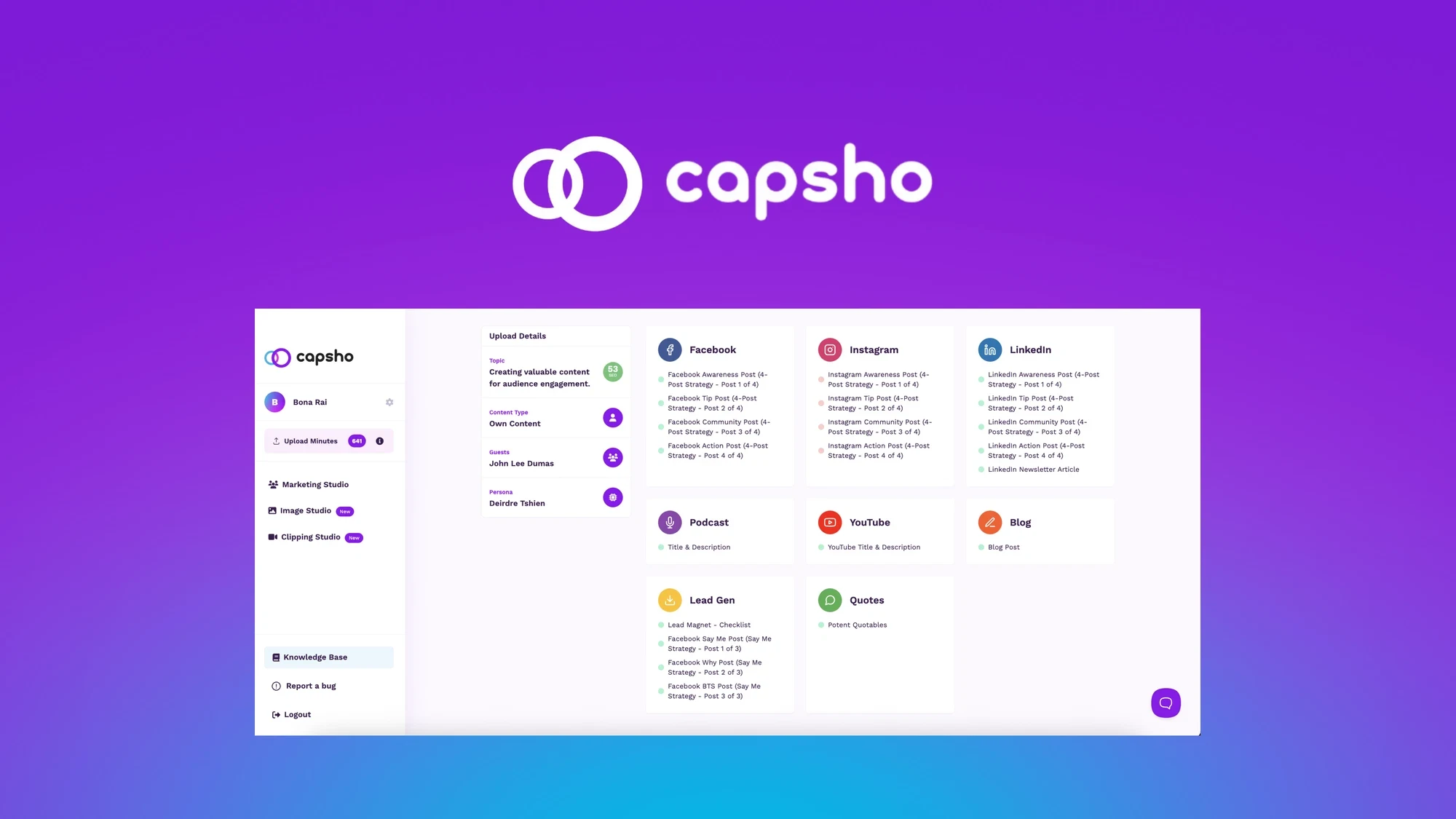

Capsho boost recovery rate from 63% to 91%
By integrating FlyCode into their Stripe account, Capsho achieved a substantial uplift in revenue with a clear ROI.
>23X
Increase in payment recovery
45%
ROI


GitBook boost ARR by 8% with FlyCode
GitBook is a modern documentation platform that helps teams create, maintain, and share beautiful product documentation. With thousands of businesses worldwide relying on GitBook for their technical docs, the platform has become essential infrastructure for developer-focused organizations serving customers in 100+ countries.
>11x
Increase in payment recovery
10.5%
ROI
See what your failed payments are actually costing you
Try FlyCode's free churn audit and discover how much revenue you can recover.
Get Started with FlyCode →